# Storing data
If you're building an automation that requires data from *.csv or *.xlsx files, Data Tables in Prefix allow you to store this data for use in the new models.
To add data, first convert your data into a supported format above, head to the "Tables" page in the Studio, and import a file. Columns must be oriented vertically, and the first row in the file will automatically be parsed as headers.
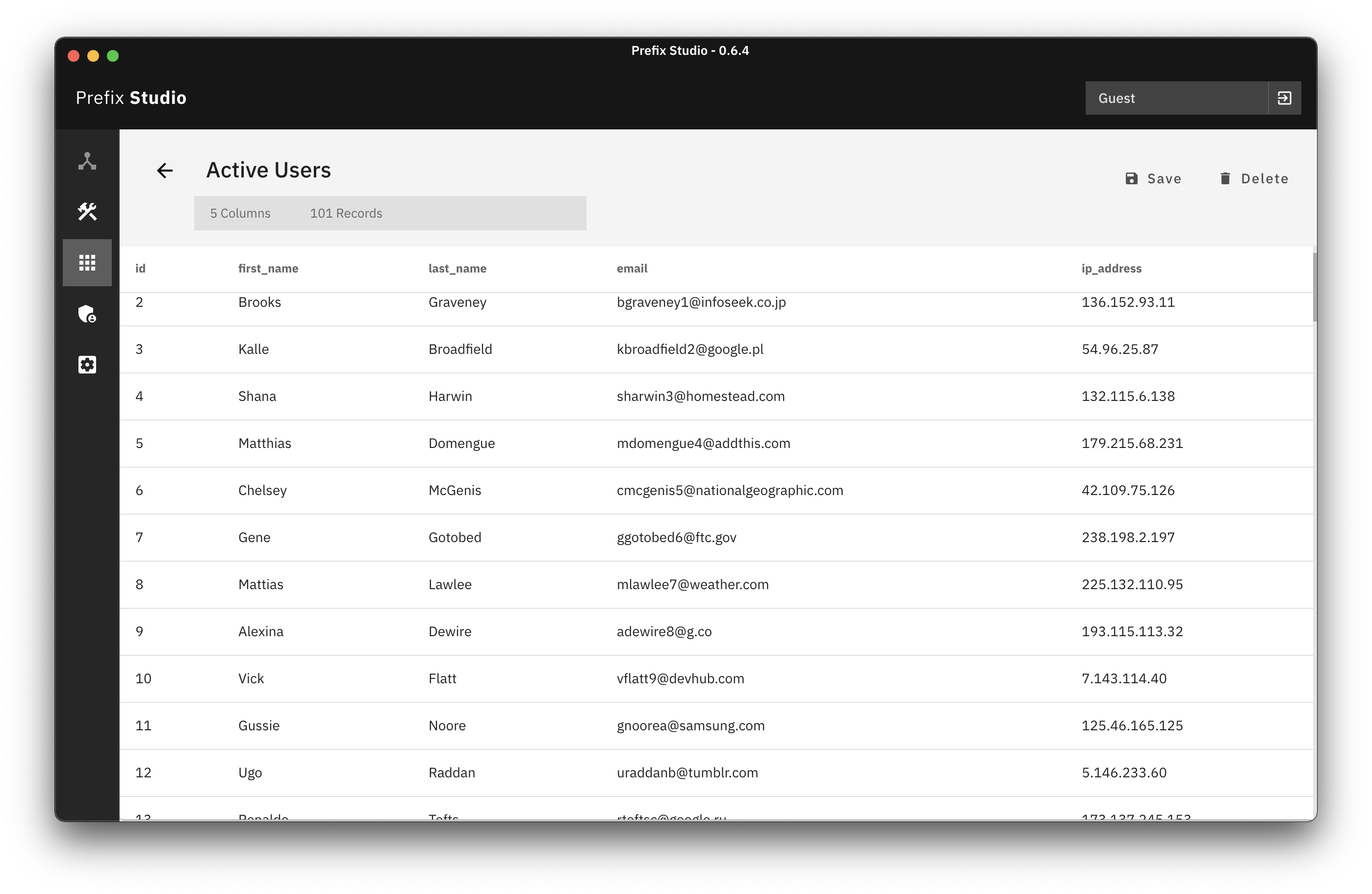
Data stored in these tables is two-way, meaning if you need to provide an automation with data, you can use the Import CSV button to do so, and if you need to save a table as a spreadsheet, you can hit the Save button to do so.