# Overview
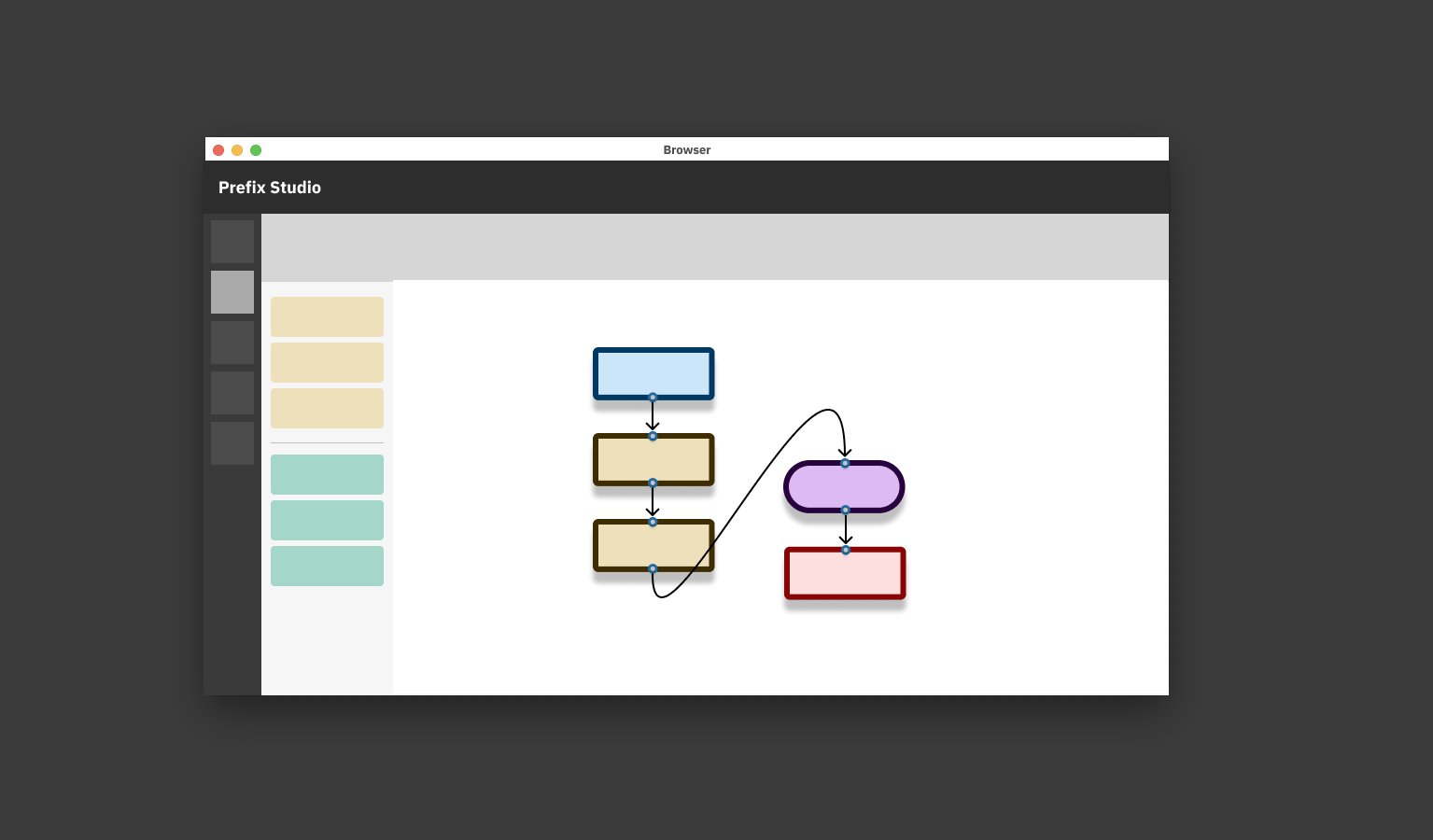
The Studio allows individuals to develop automations for repetitive processes at their business with a unique level of ease and observability. Currently, the Studio enables automation over nearly any set of steps on web applications. In the next few months, we'll be rolling out features that allow Prefix to gain full control over PDF's, Desktops, and Databases.
If you have any questions about the information provided on these docs/requests for features, please reach out to support@prefix.app.
# Usage
# Labeling web elements
This step tells Prefix exactly which input fields to fill, which buttons to click, and which data to extract, by assigning each web element a customizable label. For example, by locking the webpage, clicking the Email or Phone field on LinkedIn, and entering the LIEmail name for that element in the sidebar, we are making that web element available for use in our automation as LIEmail.
# Modeling the automation
Once you've selected web elements in the former step, you can connect blocks together in our editor that tell Prefix exactly what to do with those elements. For example, logging into LinkedIn, requires you to open the LinkedIn URL, fill in the email field (referencing LIEmail from the last step), the password field (referencing whatever we labeled the password field as), and click the log in button.