# Navigating Prefix
# An overview of our automation terminology and the functions available to you on each page of our Orchestrator.
#
# Dashboards
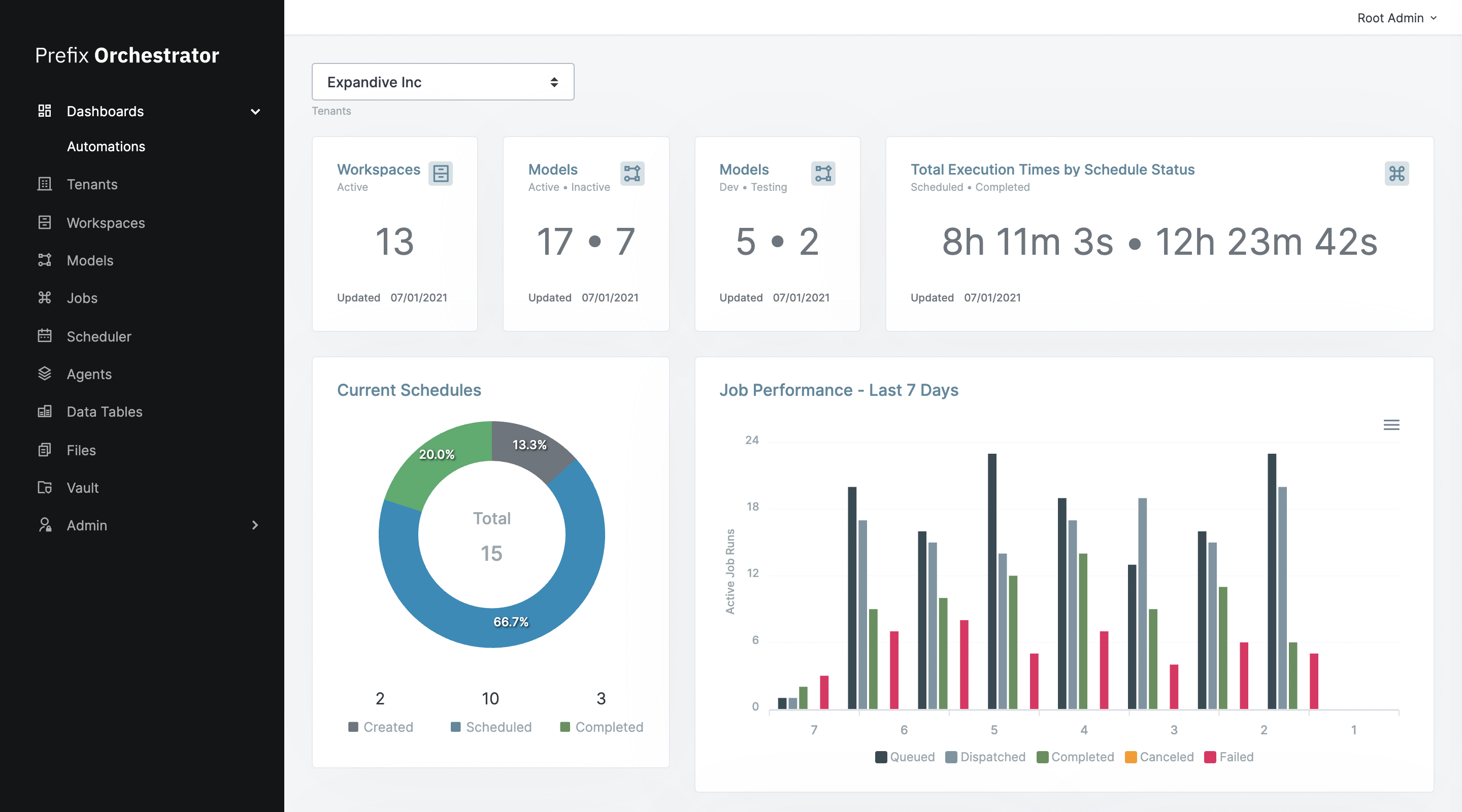
Contains high-level views on automation development and success rates, as well as a view on the most recent statuses of your jobs.
# Tenants
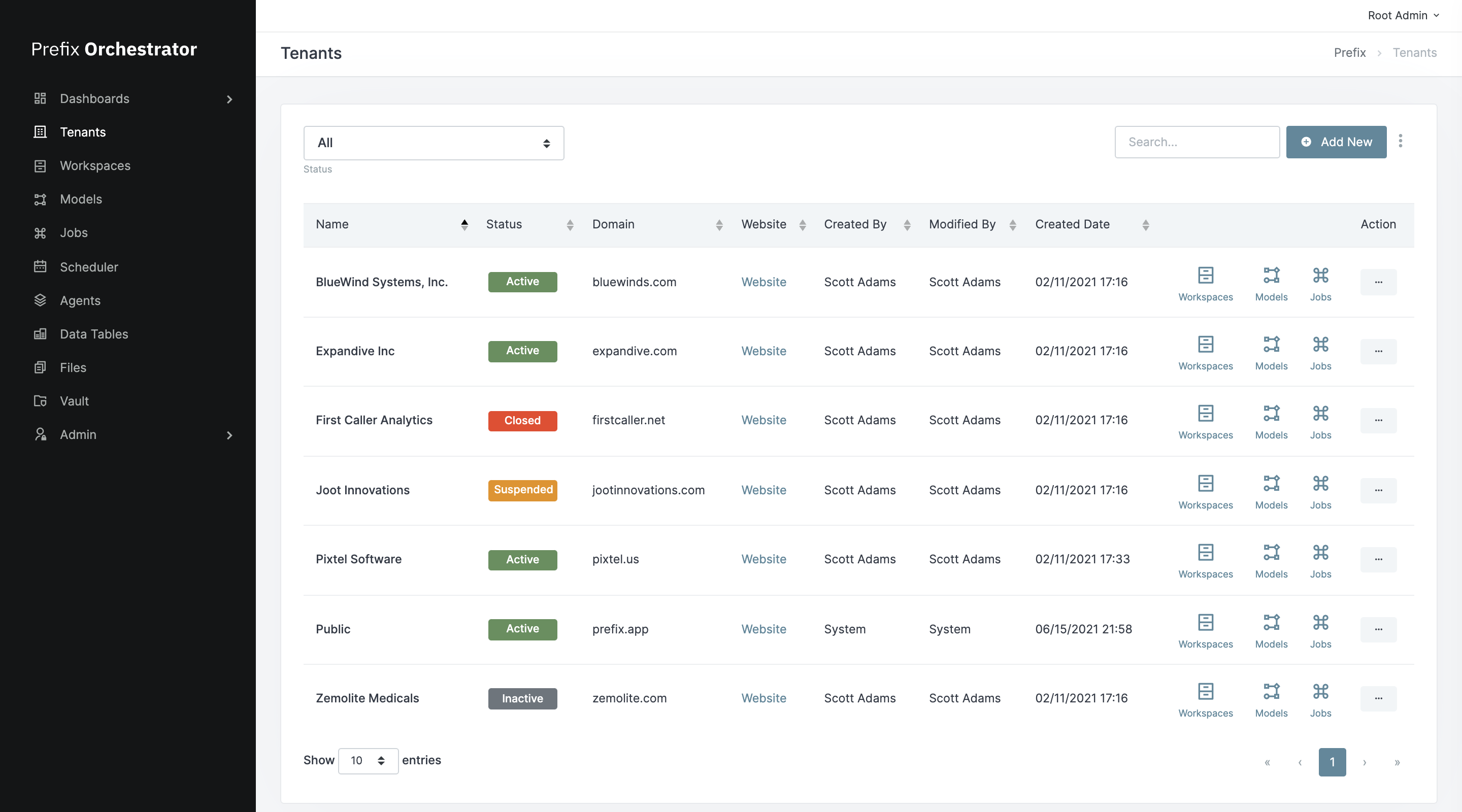
Tenants are admin level views of all organizations present on a particular orchestrator deployment. Unless you are developing automations on behalf of other teams/businesses, only one tenant (your business) should be named.
# Workspaces
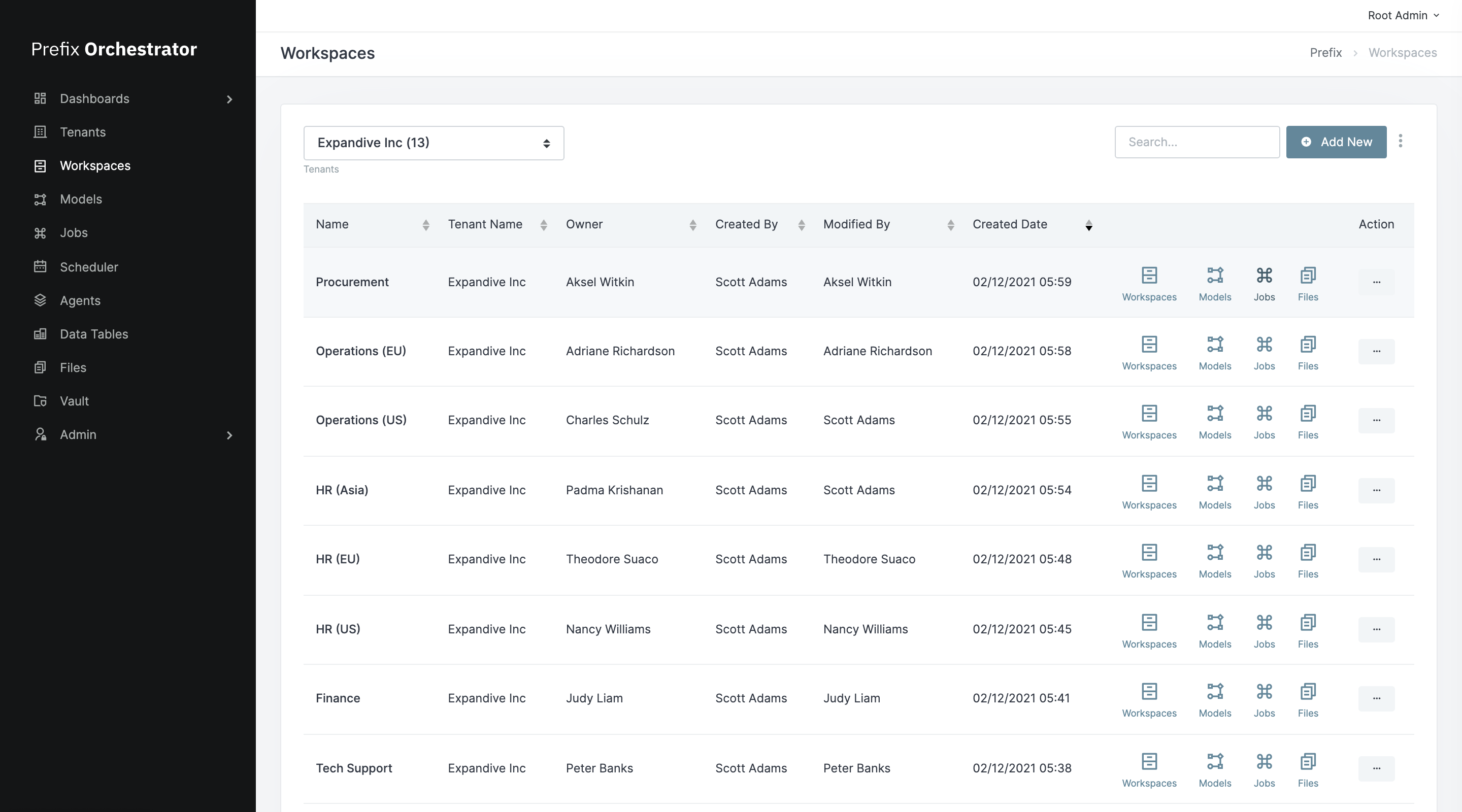
Workspaces are easy ways to partition automation data between teams/functions at your business. Each workspaces contains a unique set of automation models, jobs, schedules, tables, files, and vault credentials.
# Models
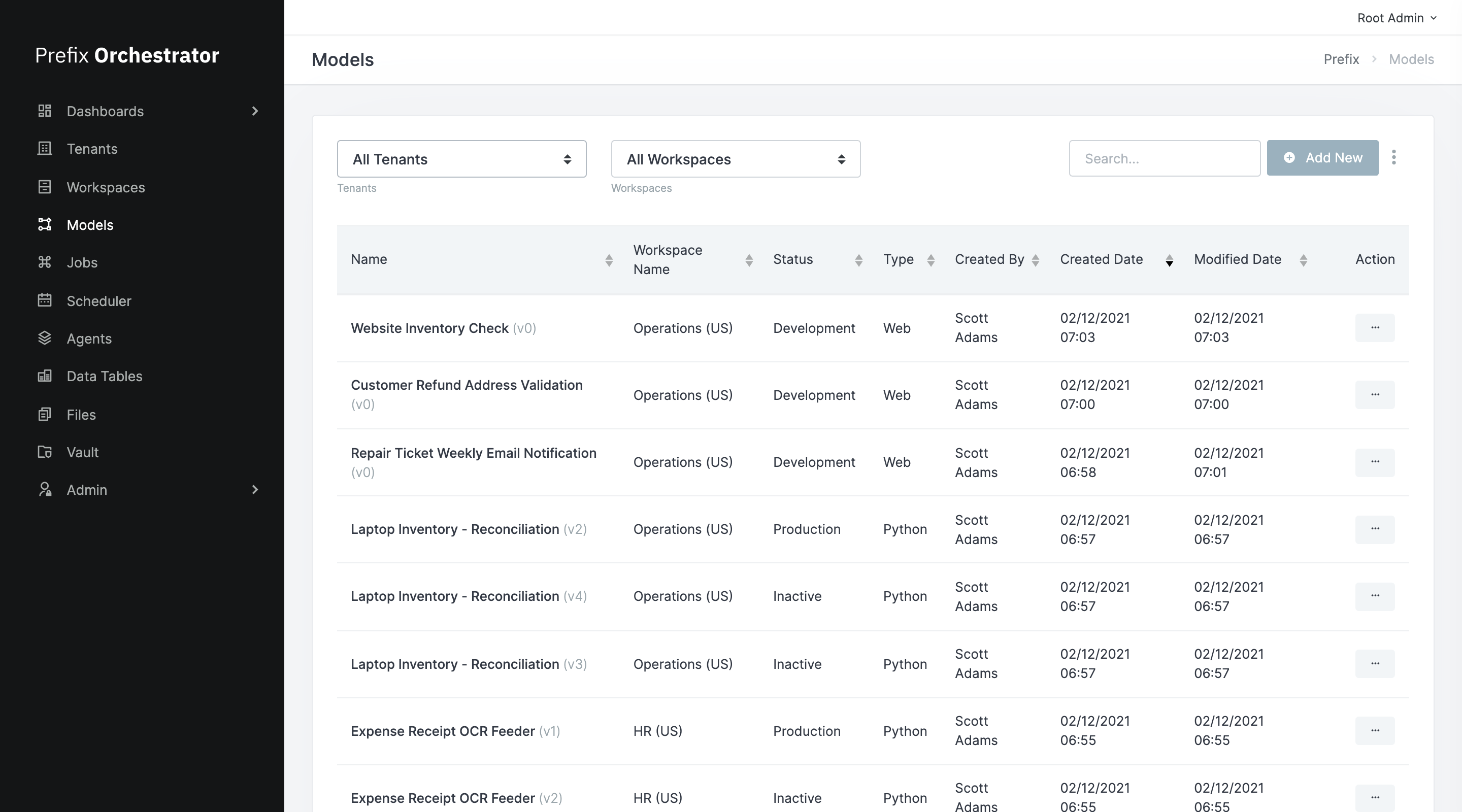
An automation model represents a Prefix-compatible automation package. Often these will map to zipped folders containing Python scripts that implement our automation interface. More information is available on the exact format for this in the Python models page. Files exported from our Studio application in the *.pxm format can also be uploaded here.
Any new automation in Prefix starts by uploading a model. For details on how this works please see the Creating automations section.
# Jobs
Jobs are wrappers for models that must be created in order to run them. Jobs contain information about how you wish to execute a particular automation (leave as Instant for API-based workflows), as well as information about where you'd like an automation's resulting data table to be stored.
# Scheduler
We have a particular powerful scheduling engine that helps you run routine operations on calendar days, in predefined intervals, or when a Data Table is updated. You can apply these timing/trigger settings on the Scheduler page.
# Agents
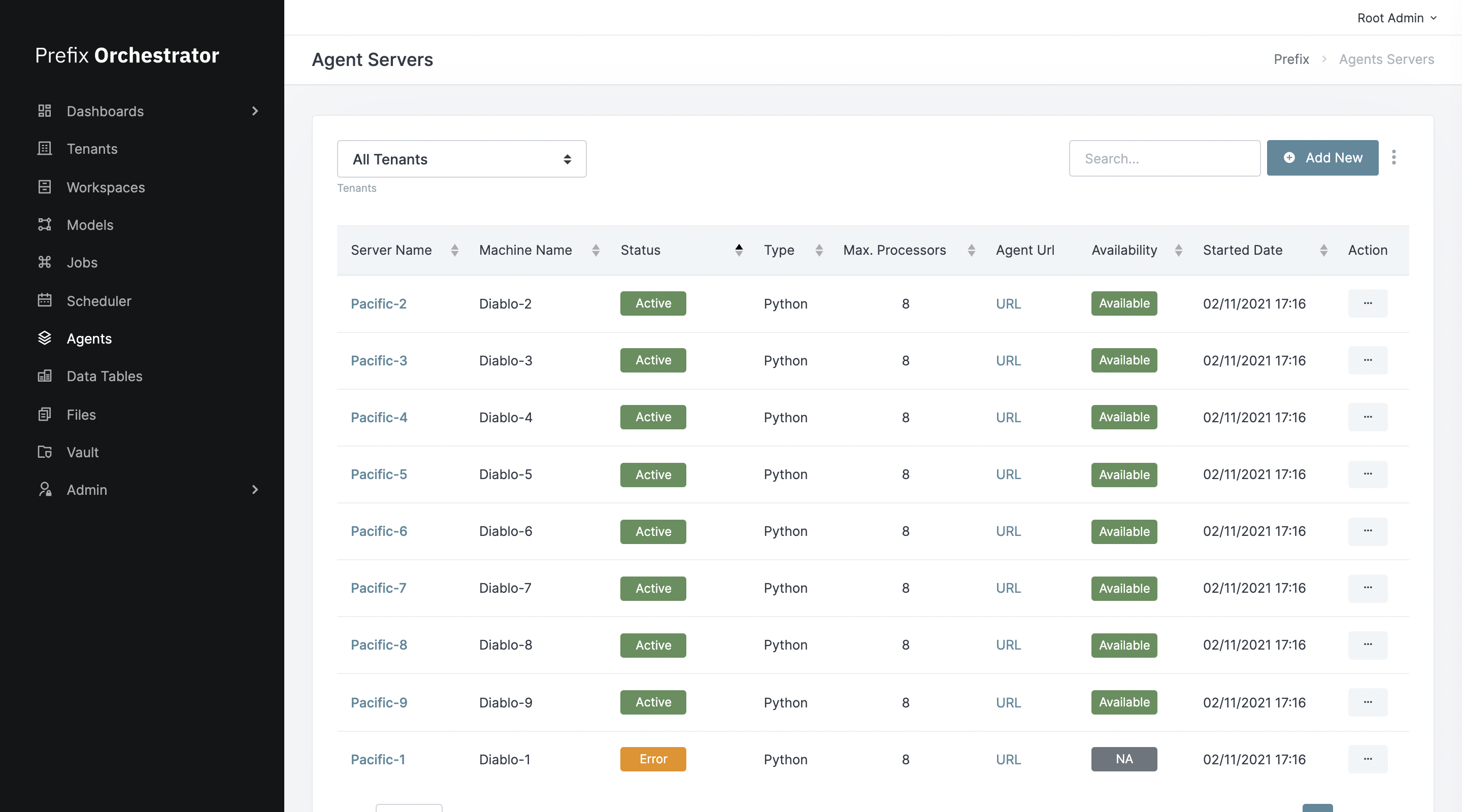
The Agents page contains a list of computers you have configured with Prefix that will actually execute automations. Currently configuring new agents is a somewhat involved process, so contact us through Slack or email support@prefix.app to scale up here.
# Data Tables
Data Tables contain tabular data uploaded as inputs to an automation, or created as output from one. Jobs in Prefix are capable of reading data from multiple tables, but only writing data to one, output table. Jobs can be triggered when data in a particular table is updated, allowing you to chain together multiple different automations.
# Files
You can designate certain files (screenshots, PDF's, etc.) as output files in your automations. Should the job complete successfully, you'll see these files appear here.
# Vault
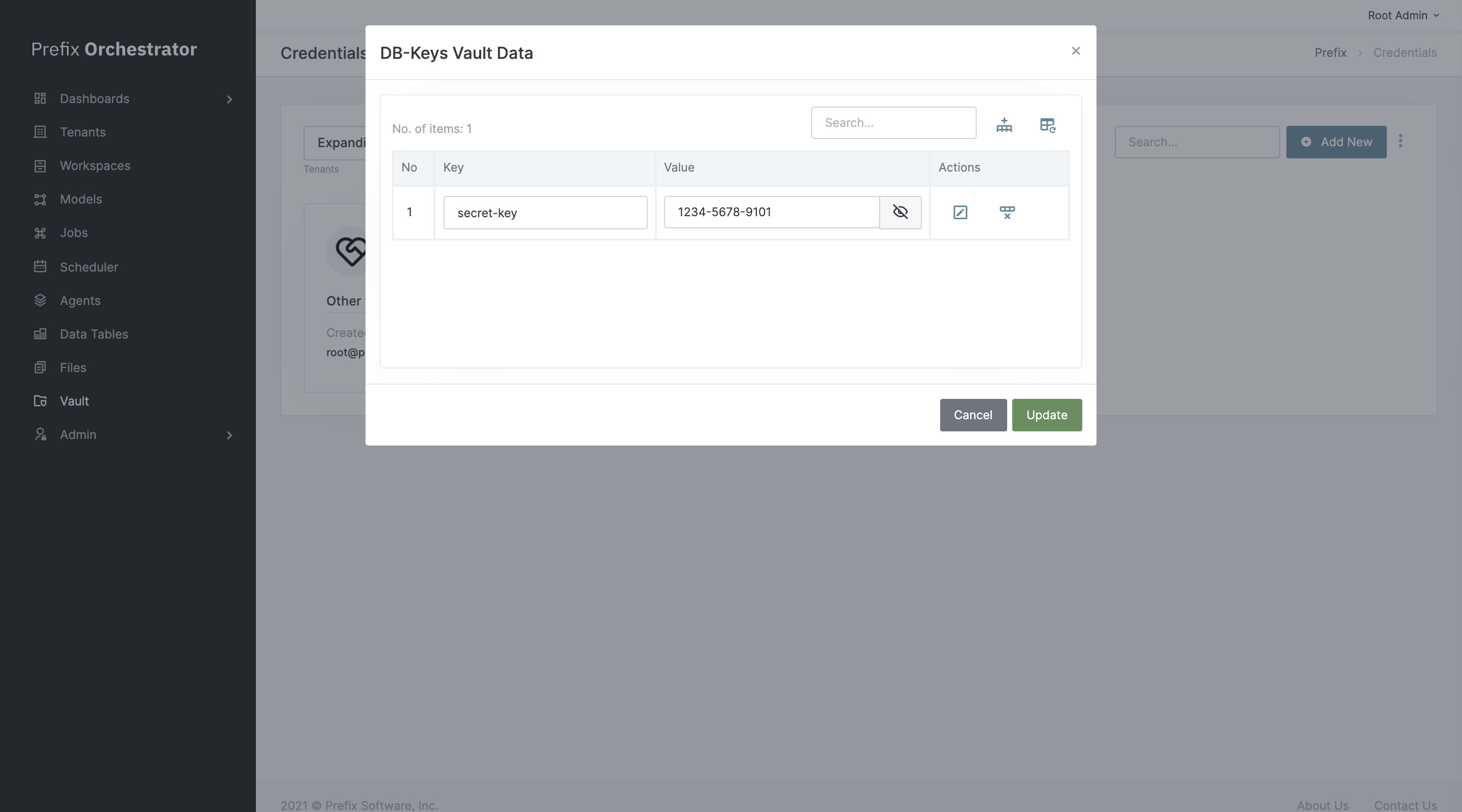
This is for storing important credentials for secure use in automations. Standard CRUD operations are made available for these, though actual password data never gets sent to your computer until you click Unlock Vault, which allows you to view stored info in clear text.